 TaDaServ
VibeKanban: Your AI Coding Agent Orchestra Conductor
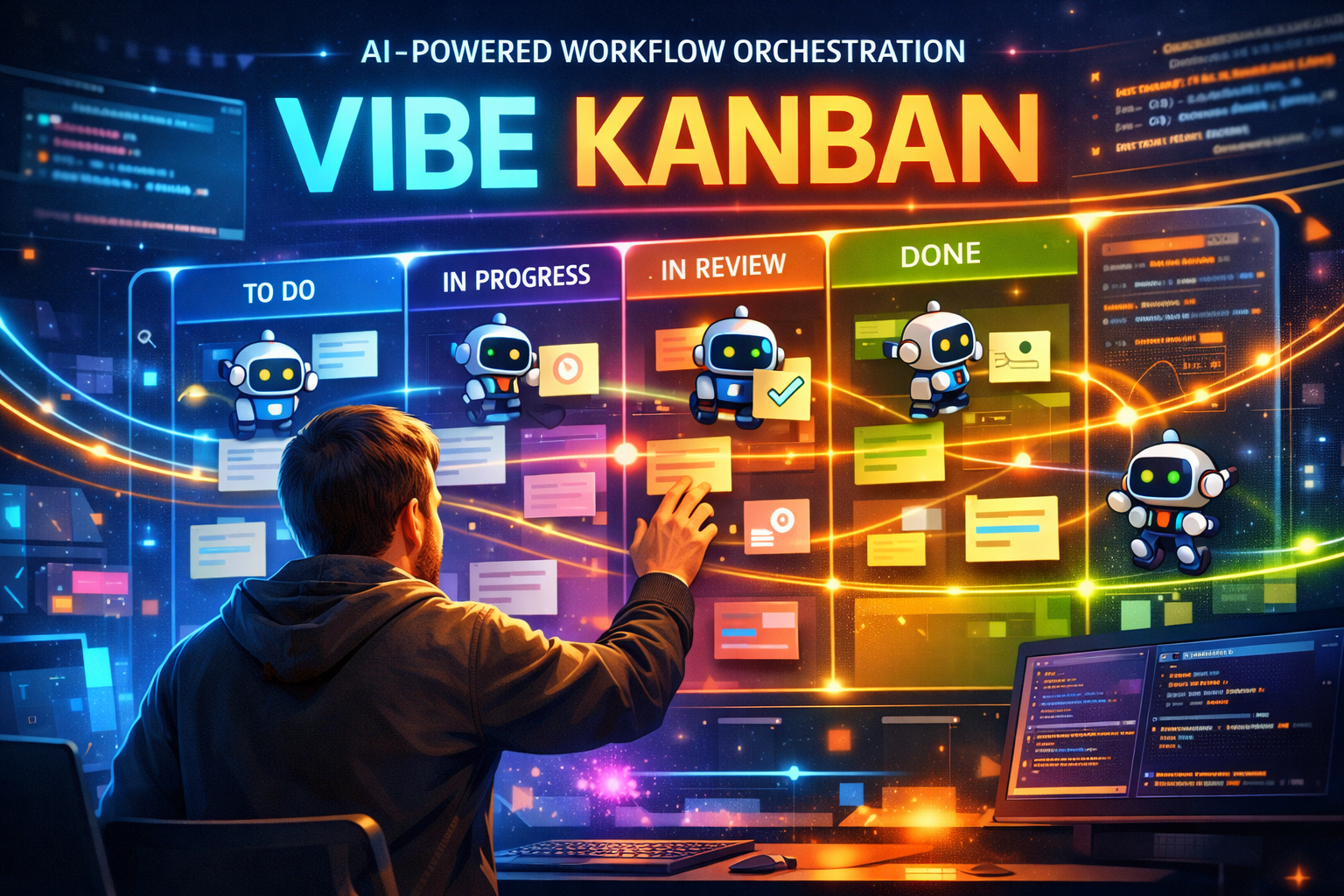
VibeKanban: Your AI Coding Agent Orchestra Conductor
Picture this: You've got Claude Code humming away on one feature, Gemini CLI tackling a bug fix, and Cursor handling some refactoring. You're tabbing between terminals, losing track of what's done, what's broken, and what's... wait, where did that worktree go?
Welcome to the chaos of modern AI-assisted development.
But what if there was a way to conduct this symphony of AI coding agents from a single, beautiful interface? Enter VibeKanban—the tool that's making developers say things like:
"Biggest increase in productivity since Cursor" — Luke Harries
"This project is underrated. I've found it to be useful and fun" — Hamel Husain
Let's dive into why VibeKanban might just be the missing piece in your AI workflow puzzle.
🤔 What Even Is VibeKanban?
VibeKanban is an open-source Kanban board specifically designed for developers who are orchestrating multiple AI coding agents. Think of it as a mission control center for your robot army of code-writing assistants.
Instead of juggling multiple terminals and losing track of what each AI agent is working on, VibeKanban gives you:
- A visual board to track all your AI-powered tasks
- One-click switching between different coding agents
- Parallel execution of multiple agents simultaneously
- Isolated git worktrees so your agents don't step on each other's toes
- Centralized configuration for all your MCP servers
Installation is Ridiculously Simple
npx vibe-kanban
That's it. Seriously. One command and you're orchestrating AI agents like a pro.
🎯 The Problem It Solves
Here's the uncomfortable truth about using AI coding agents in 2026:
| The Dream | The Reality |
|---|---|
| AI writes all your code | AI writes code in 5 different places at once |
| You review and ship | You lose track of what's where |
| Massive productivity gains | Massive context-switching overhead |
| Clean git history | Git conflicts from parallel agents |
VibeKanban bridges this gap by giving you a single source of truth for all your AI-driven development tasks.
🚀 Key Features That Make It Shine
1. 🤖 Multi-Agent Orchestration
VibeKanban supports an impressive roster of AI coding agents:
| Agent | Status |
|---|---|
| Claude Code | ✅ Fully Supported |
| Gemini CLI | ✅ Fully Supported |
| GitHub Copilot | ✅ Fully Supported |
| OpenAI Codex | ✅ Fully Supported |
| Cursor CLI | ✅ Fully Supported |
| Amp | ✅ Fully Supported |
| OpenCode | ✅ Fully Supported |
| Qwen Code | ✅ Fully Supported |
| Droid | ✅ Fully Supported |
| CCR | ✅ Fully Supported |
Why this matters: Different agents excel at different tasks. Claude Code might be your go-to for complex refactoring, while Gemini CLI handles documentation. VibeKanban lets you assign the right agent to the right task.
2. 🔀 Git Worktree Isolation
Each task runs in its own isolated git worktree. This means:
- No merge conflicts between parallel agents
- Clean commits per feature/task
- Easy rollback if an agent goes rogue
- Parallel development without the usual headaches
3. 📊 Visual Task Tracking
The Kanban board shows you:
┌─────────────┐  ┌─────────────┐  ┌─────────────┐  ┌─────────────┐
│   BACKLOG   │  │ IN PROGRESS │  │   REVIEW    │  │    DONE     │
├─────────────┤  ├─────────────┤  ├─────────────┤  ├─────────────┤
│ Add auth    │  │ Fix navbar  │  │ Refactor DB │  │ Update docs │
│ [Claude]    │  │ [Gemini]    │  │ [Claude]    │  │ [Cursor]    │
│             │  │ ████████░░  │  │ Ready ✓     │  │ Merged ✓    │
└─────────────┘  └─────────────┘  └─────────────┘  └─────────────┘
At a glance, you know:
- What's being worked on
- Which agent is handling it
- Progress status
- What needs your review
4. 🔧 MCP Server Configuration
If you're using the Model Context Protocol (MCP) to extend your AI agents' capabilities, VibeKanban centralizes all that configuration. No more hunting through multiple config files—everything lives in one place.
5. 🖥️ Remote Development Support
Running VibeKanban on a remote server? No problem! Configure SSH settings and click "Open in VSCode" to launch your local editor connected to the remote server. Perfect for:
- Cloud development environments
- Team servers
- Powerful remote machines
🎬 A Day in the Life with VibeKanban
Let's walk through a typical workflow:
Morning: Planning Your Sprint
You open VibeKanban and create tasks for the day:
- "Add user authentication" → Assign to Claude Code
- "Fix responsive navbar bug" → Assign to Gemini CLI
- "Write API documentation" → Assign to Cursor
- "Refactor database queries" → Assign to Claude Code
Each task gets its own worktree. No conflicts. No chaos.
Midday: Agents at Work
You kick off all four tasks. VibeKanban shows real-time progress:
- Claude Code is 60% through authentication ████████░░
- Gemini CLI finished the navbar fix ✅
- Cursor is churning out docs ███████░░░
- Claude Code (second instance) is optimizing queries ████░░░░░░
Afternoon: Review Time
The navbar fix is done. You click "Review" and VibeKanban shows you:
- Diff view of all changes
- Conversation history with the agent
- One-click merge or "Request Changes"
Evening: Ship It!
All tasks pass review. You merge them sequentially—clean commits, clean history, no conflicts.
Total time saved: Hours of context-switching and git wrangling.
💡 Pro Tips for Getting the Most Out of VibeKanban
Tip 1: Use Task Tags
Organize your work with custom tags:
| Tag | Use Case |
|---|---|
🔥 urgent |
Critical fixes |
✨ feature |
New functionality |
🐛 bug |
Bug fixes |
📚 docs |
Documentation |
♻️ refactor |
Code cleanup |
Tip 2: Leverage Subtasks
Break complex features into subtasks:
Feature: User Authentication
├── Subtask: Set up database schema
├── Subtask: Create login endpoint
├── Subtask: Create registration endpoint
├── Subtask: Add JWT token handling
└── Subtask: Write tests
Each subtask can run on a different agent!
Tip 3: Configure Agent Profiles
Set up profiles for different use cases:
{
  "profiles": {
    "backend": {
      "agent": "claude-code",
      "context": "Focus on backend development, use TypeScript"
    },
    "frontend": {
      "agent": "cursor-cli",
      "context": "React, Tailwind CSS, modern patterns"
    },
    "docs": {
      "agent": "gemini-cli",
      "context": "Technical writing, clear explanations"
    }
  }
}
Tip 4: Set Up Keyboard Shortcuts
Speed up your workflow:
| Shortcut | Action |
|---|---|
N |
New task |
R |
Review selected task |
M |
Merge task |
Space |
Toggle task details |
🔗 Integrations That Make Life Easier
GitHub Integration
Connect your repos and:
- Auto-create branches for tasks
- Push changes directly
- Open PRs from the board
Azure Repos Integration
For enterprise teams using Azure DevOps—full support included.
VS Code Extension
The VibeKanban VS Code extension brings the board right into your editor. View tasks, check progress, and manage agents without leaving your code.
MCP Server Configuration
Centralize your MCP servers:
- File system access
- Database connections
- Custom tools and capabilities
🌟 Why Developers Are Loving It
The Numbers Speak
- 10X productivity claims from power users
- Active development with releases every few days (v0.0.150 just dropped!)
- Growing community on Discord and GitHub
Real User Feedback
"Finally, a tool that understands that AI coding isn't just about one agent—it's about orchestrating a team of them."
"The git worktree isolation alone is worth it. No more 'which terminal was running that agent?'"
"It's like Jira, but actually useful, and for robots."
🚀 Getting Started in 5 Minutes
Step 1: Install
npx vibe-kanban
Step 2: Create Your First Project
Point VibeKanban at your repo:
Project: my-awesome-app
Repository: /path/to/your/repo
Step 3: Add a Task
Title: Add dark mode toggle
Agent: Claude Code
Description: Add a toggle in settings to switch between light/dark themes
Step 4: Watch the Magic
Click "Start" and let your AI agent work. Monitor progress in real-time. Review when ready.
Step 5: Merge & Celebrate 🎉
📈 The Future of AI-Assisted Development
We're at an inflection point. AI coding agents are getting better by the week. The developers who thrive will be those who learn to orchestrate, not just use, these tools.
VibeKanban represents a shift in how we think about AI development:
| Old Way | New Way |
|---|---|
| Single agent, single task | Multiple agents, parallel tasks |
| Manual context management | Automated worktree isolation |
| Hope for the best | Monitor, review, merge |
| Fight with git conflicts | Embrace isolated branches |
🎯 The Bottom Line
VibeKanban isn't just another dev tool—it's a mindset shift.
It's for developers who are ready to stop thinking of AI agents as tools to babysit and start thinking of them as team members to coordinate.
If you're using Claude Code, Gemini CLI, Cursor, or any other AI coding agent, you owe it to yourself to try VibeKanban. The productivity gains are real, and the peace of mind from organized, isolated development is priceless.
Stop juggling terminals. Start orchestrating agents.
Resources
Ready to transform your AI coding workflow? Run npx vibe-kanban and join the orchestration revolution today.